
How to Use Your Apple Watch to Track Your Mood and Mental Health
Here are the main things to remember about using your Apple Watch for tracking your mood and mental health:
Key Takeaways
- The Apple Watch's Mindfulness app lets you log your current feelings and overall daily mood.
- You can add details about specific emotions and what might be influencing how you feel.
- Your mood logs can be compared with data like sleep, exercise, and time spent outside.
- Third-party apps offer more advanced features like stress monitoring and heart rate analysis.
- Setting up reminders helps you consistently track your mood, and the Health app shows your history.
Leveraging the Mindfulness App for Mood Tracking
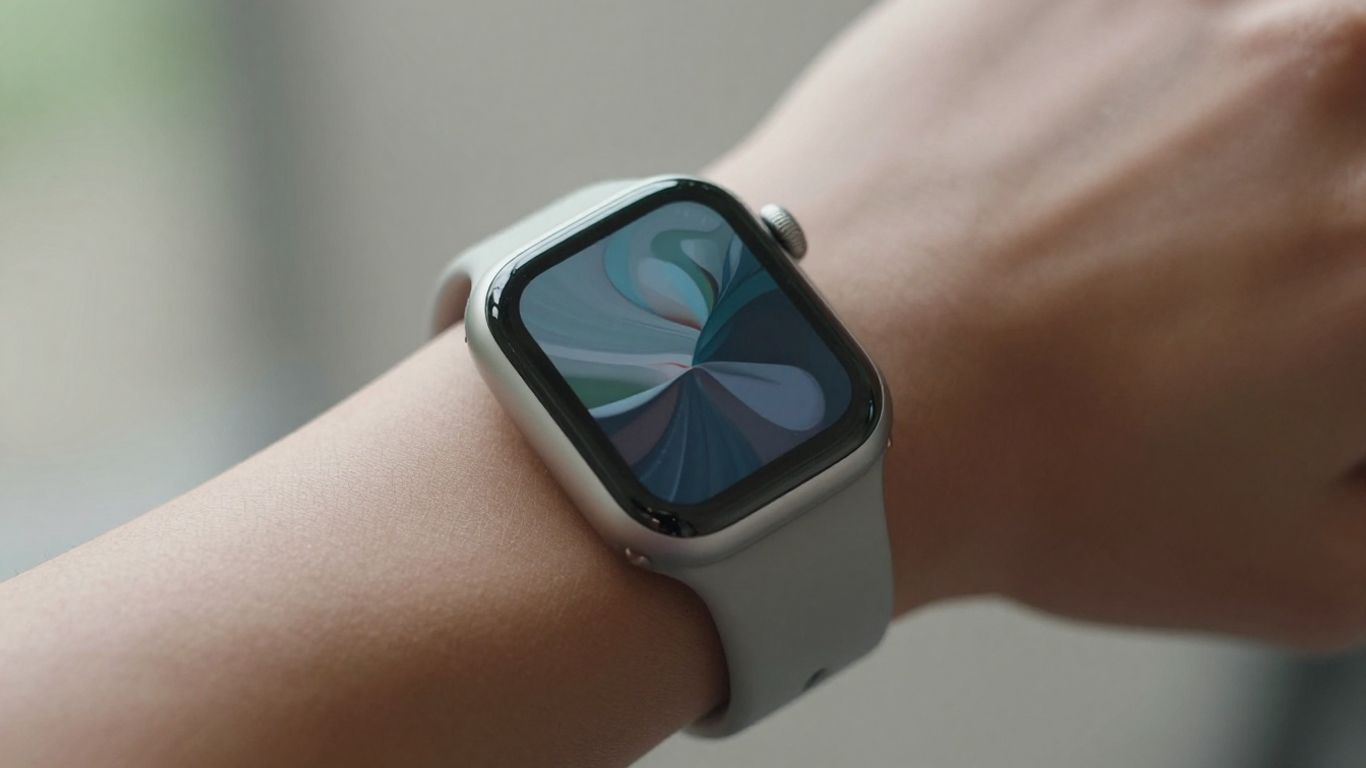
Your Apple Watch, especially with recent updates, has a built-in tool that can really help you get a handle on your feelings. It's all about using the Mindfulness app to log your mood, and honestly, it's pretty straightforward once you know where to look. This feature is designed to be discreet and convenient, fitting right into your day without being a big deal.
Accessing the State of Mind Feature
First things first, you need to find the "State of Mind" feature. On your Apple Watch, open up the Mindfulness app. If you've used it before for breathing exercises, you'll find this new option there. Just scroll down a bit, and you should see "State of Mind." Tap on it, and you'll be prompted to "Get Started" if it's your first time. It's a simple way to begin tracking your emotional well-being, and you can also access this functionality through the Health app on your iPhone.
Logging Your Current Emotion
When you're in the "State of Mind" section, you'll have a couple of options. One is to log how you're feeling right now. The watch presents you with a spectrum of feelings, often represented by visually interesting shapes. You can use the Digital Crown to scroll through options ranging from "very unpleasant" to "very pleasant," or you might see a slider. After selecting your general feeling, you can then tap on descriptive words to further refine how you're feeling. This helps paint a more detailed picture than just a simple happy or sad.
Recording Your Overall Daily Mood
Besides logging a momentary emotion, you can also record your overall mood for the entire day. This is a great way to see the general tone of your day without getting bogged down in specific moments. Similar to logging a current emotion, you'll select a general feeling and can optionally add descriptive tags. This daily log provides a broader perspective on your emotional landscape over time.
Here's a quick look at the process:
- Open the Mindfulness app on your Apple Watch.
- Select "State of Mind."
- Choose whether to log a "Momentary Emotion" or "Daily Mood."
- Use the Digital Crown or slider to indicate your general feeling.
- Optionally, add specific emotion tags and factors influencing your mood.
Keeping a consistent record, even if it's just a quick check-in, can reveal patterns you might not notice otherwise. It's like keeping a diary, but much faster.
This initial step of logging your feelings is the foundation for understanding your mental health better. It's a small action that can lead to significant insights, especially when you start looking at trends over time or how these moods connect with other aspects of your life, like what Moodpress offers for stress monitoring.
Understanding Your Emotional Landscape
Selecting Your Emotional State
After you log a mood or emotion, the next step is to really pinpoint what you're feeling. The Apple Watch offers a few ways to do this. You can use a simple slider to indicate intensity, moving from 'very unpleasant' all the way to 'very pleasant'. This gives you a quick, general sense of your emotional state. It's like a mood thermometer for your day.
Identifying Key Influences on Your Mood
Beyond just naming your emotion, it's super helpful to note what's causing it. The app lets you select from a list of factors that might be impacting how you feel. This could be anything from work stress to a great conversation with a friend. Thinking about these connections can really start to paint a picture of your emotional triggers and supports.
Here are some common influences you might log:
- Work or school
- Relationships
- Family
- Health
- Exercise
- Sleep
- Weather
Utilizing Descriptive Emotion Tags
To get even more specific, you can add descriptive tags to your mood entries. Instead of just 'unpleasant,' you could tag it with 'anxious,' 'frustrated,' or 'sad.' This adds a layer of detail that makes your mood tracking much richer. The more specific you are, the better you'll understand the nuances of your feelings over time. For more advanced tracking, consider apps like Moodpress for stress monitoring.
Paying attention to these details helps build a more accurate map of your inner world. It's not just about knowing you're having a bad day, but understanding why and how you're feeling that way.
This detailed logging can help you see patterns you might otherwise miss. For instance, you might notice that certain types of social interactions consistently lead to feeling drained, or that a good night's sleep reliably boosts your overall mood. This self-awareness is the first step toward making positive changes.
Integrating Mood Tracking with Your Lifestyle
Connecting how you feel to different parts of your daily life makes mood tracking with your Apple Watch more useful. When you track your emotions and moods regularly, patterns start to show. You might start to notice a difference in your overall wellbeing simply by paying attention to the basics—how you sleep, how much you move, and how much time you spend outside.
Correlating Mood with Sleep Patterns
- Regular mood logs combined with sleep data can reveal surprising connections.
- When reviewing your entries in the Health app, look for trends: do you feel more irritable on short nights, or calm after restful sleep?
- Some users prefer jotting a quick note each morning or night about how rested they feel and any unusual dreams—which provides context to the numbers.
Here's a sample table for organizing your findings:
| Date | Sleep Hours | Woke Up Feeling | Mood (1-7) |
|---|---|---|---|
| 6/9/2026 | 7.5 | Refreshed | 6 |
| 6/10/2026 | 5 | Groggy | 3 |
| 6/11/2026 | 8 | Restless | 4 |
As you start collecting these logs, noticing the difference between a two-hour nap and solid overnight sleep can help you tweak your schedule for better mood days.
Analyzing Mood in Relation to Exercise
- Log your workouts on your Apple Watch, and don’t forget to check your mood afterwards.
- Compare days with physical activity to those when you chose rest. Are you calmer or more tense after certain types of exercise?
- Group activities, outdoor runs, yoga—different workouts might affect you in different ways.
Checklist for seeing the connection:
- Track workout start and finish times.
- Log your mood before and after workouts.
- Reflect briefly on your energy and motivation levels that day.
Connecting Mood to Time Spent Outdoors
- The Apple Watch can track how much time you spend in daylight using its sensors.
- Use your mood log to note when you’ve been outdoors—on a walk, in the yard, or even sitting by a sunny window.
- Compare indoor and outdoor days. Many people report a brighter mood after just 15-20 minutes in natural light.
If you want to dig deeper, some apps like Mo0d’s mental health features can help you connect time spent outside, moods, and habits. Experiment with different times of day—morning sun versus late afternoon—to see what works for you.
Small shifts, like strolling after lunch or stretching in fresh air, can gently reshape both energy and outlook over the week.
Exploring Third-Party Apps for Deeper Insights
While the built-in Apple Watch features are pretty good for tracking your mood, sometimes you want to dig a little deeper. That's where third-party apps come in. They can offer more specialized tools and analyses that go beyond the basics.
Utilizing Moodpress for Stress Monitoring
Moodpress is one app that's been getting some attention for its focus on stress. It's designed to help you keep tabs on your stress levels throughout the day. The app uses your Apple Watch data, and sometimes you'll log things manually too. It's all about giving you a clearer picture of what triggers your stress and how you're coping. You can find it on the App Store, and it has a few different subscription options if you want the full features. They've updated it recently with algorithm tweaks to help with real-time stress tracking.
Analyzing Heart Rate Variability (HRV)
Heart Rate Variability, or HRV, is a metric that a lot of these advanced apps look at. It's basically the variation in time between your heartbeats. A higher HRV is generally linked to better stress resilience and overall health. Your Apple Watch collects this data, and apps can process it to give you insights. Some apps might present this data in a table format, showing your average HRV over a week or month, alongside your reported mood.
| Metric | Average (Last 7 Days) | Trend |
|---|---|---|
| HRV | 65 ms | Slightly Increased |
| Resting Heart Rate | 62 bpm | Stable |
| Sleep Score | 85 | Improved |
Gaining Insights from AI-Driven Emotion Indexes
Some newer apps are starting to use artificial intelligence to create what they call 'emotion indexes'. These aren't just simple mood logs; they try to synthesize various data points – like your activity levels, sleep quality, and even how you've been interacting with your watch – to give you a more nuanced understanding of your emotional state. It's kind of like having a personal analyst for your feelings. These apps can help you spot patterns you might have missed on your own, and some even offer personalized suggestions. If you're looking for a more detailed look at your mental well-being, checking out apps like Mood Tracker could be a good next step.
Remember, these apps are tools. They provide data and insights, but it's up to you to interpret what it means and how you want to use that information to make positive changes in your life. Don't get too caught up in the numbers; focus on how you feel.
Setting Up Reminders for Consistent Tracking
Consistency is key when you're trying to understand your mood patterns. It's easy to forget to log your feelings, especially when you're busy or not feeling great. That's where reminders come in handy. They act as gentle nudges to help you build a regular habit of checking in with yourself.
Enabling Daily Mood Logging Prompts
Your Apple Watch can help you remember to log your mood. You can set it up to prompt you at specific times, like once in the morning and again in the evening. This ensures you capture your feelings at different points in the day.
To get these prompts going:
- Open the Health app on your iPhone.
- Tap the 'Browse' tab.
- Select 'Mental Wellbeing'.
- Tap on 'State of Mind'.
- Scroll down to find the reminder settings.
Turning on these prompts is one of the simplest ways to make sure you don't miss a day. It takes just a few seconds to set up, but it can make a big difference in the data you collect. If you're looking for apps that integrate well with this, consider checking out Moodpress for stress monitoring.
Customizing Reminder Frequency
Not everyone needs reminders at the exact same times. You might prefer a single daily prompt, or maybe you want to be reminded more often. The good news is you can adjust this.
Within the 'State of Mind' section of the Health app, you'll find options to manage your reminders. You can typically turn on prompts for 'During Your Day' and 'End of Day'. You can also add custom reminders if the default options don't quite fit your schedule. This flexibility means you can tailor the tracking experience to your personal routine, making it feel less like a chore and more like a natural part of your day. For a companion app that also focuses on quick checks, AMood is worth a look.
Reviewing Your Mood History and Trends
So, you've been diligently logging your moods and emotions using your Apple Watch. That's awesome! But what do you do with all that data? The next step is to actually look at it and see what it's telling you. This is where you start to connect the dots between how you feel and what's going on in your life.
Viewing Mood Over Time in the Health App
First things first, you'll want to head over to the Health app on your iPhone. Once you're there, tap the 'Browse' tab, then 'Mental Wellbeing,' and finally 'State of Mind.' You'll see an option to 'Show in Charts.' This is your visual playground for mood data. You can select different time ranges – like a week, a month, or even longer – to see how your mood has fluctuated. It’s pretty neat to see patterns emerge over days or weeks.
Analyzing Mood Entry Types
Within the 'Show in Charts' section, you can also tap on 'States.' This lets you switch between viewing your 'Daily Moods' and 'Momentary Emotions.' Seeing these separately can be really insightful. Maybe your overall daily mood is generally positive, but you notice a lot of 'Momentary Emotions' logged as stressed or anxious. This distinction can help you pinpoint specific moments or situations that are causing a dip in your feelings, even if your general outlook is okay.
Identifying Associations Between Mood and Life Factors
This is perhaps the most powerful part. Still in the 'Show in Charts' view, look for 'Associations' or 'Life Factors.' Here, the Health app tries to show you how your logged moods might connect with other data it’s collecting. Think about things like:
- Sleep Patterns: Did you log a low mood after a night of poor sleep? The app might show this correlation.
- Exercise: Conversely, did you notice an uptick in positive moods on days you worked out? This section can highlight that.
- Time Outdoors: Spending time in nature is often linked to better mental health. See if your mood logs reflect this.
It's important to remember that correlation doesn't always mean causation. Just because your mood dipped after a certain activity doesn't mean that activity was the sole cause. It's more about spotting potential connections that you can then explore further. Think of it as a starting point for self-discovery, not a definitive diagnosis.
By regularly reviewing this information, you can start to build a clearer picture of your emotional landscape and make informed choices about your well-being. If you're looking for more advanced tracking, apps like Moodpress can offer deeper dives into stress and emotion analysis.
Conclusion
Using your Apple Watch for mood tracking can be a simple yet effective way to get a better handle on your emotional well-being. By regularly logging your feelings and looking at how they connect with your daily life, you can start to notice patterns and make small changes that add up. Whether you use the built-in Mindfulness app or explore other tools, taking a few moments each day to check in with yourself is a positive step for your mental health. It’s not about fixing everything at once, but about building awareness, one mood log at a time.
Frequently Asked Questions
Can my Apple Watch really help me track my mood?
Yes, it can! Your Apple Watch has a feature in the Mindfulness app that lets you log how you're feeling. It's like a little check-in tool right on your wrist.
How do I start logging my mood on my Apple Watch?
Just open the Mindfulness app on your watch. Look for the 'State of Mind' option and tap 'Get Started'. Then you can pick how you feel right now or how you felt today.
What kinds of feelings can I log?
You can choose from a scale that goes from 'very unpleasant' to 'very pleasant', with 'neutral' in the middle. You can also pick specific words to describe your feelings more precisely.
Does the Apple Watch track my mood automatically?
No, it doesn't track your mood automatically. You have to tell it how you're feeling by logging it in the Mindfulness app. It's something you actively do.
Can I see my mood history anywhere?
Yes! All your mood logs are saved in the Health app on your iPhone. You can look at charts to see how your mood has changed over time and what might be related to it.
Are there other apps that can help track my mood with my Apple Watch?
Definitely. There are other apps you can download from the App Store that offer more detailed tracking, like looking at stress levels or sleep patterns in more depth.